Verify Skirt Links on mallbuy
Verify Skirt Links on mallbuy
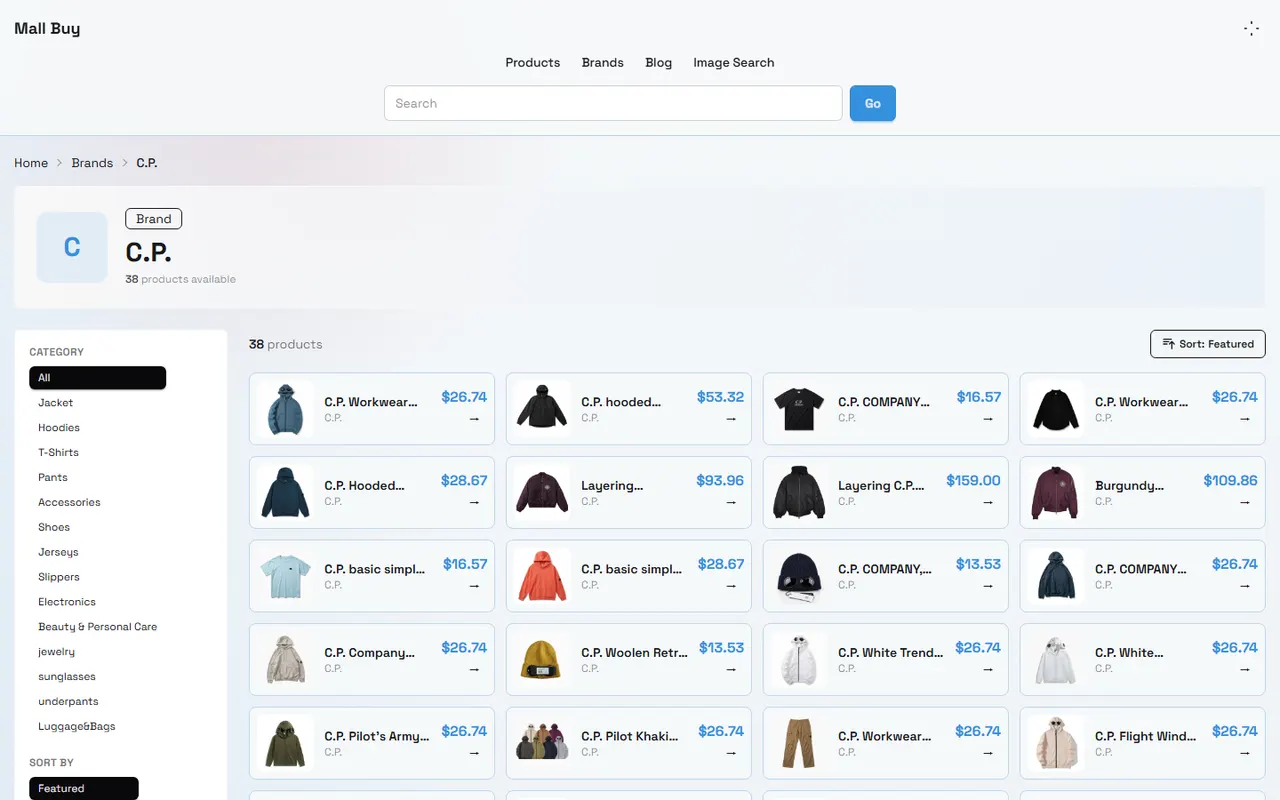
After organizing skirt products from mall-buy.com pages into a Spreadsheet or Google Sheets, the most common problem is not "whether there is a link", but whether the link actually lands on the corresponding product, corresponding specification, and usable page. This guide is suitable for people who are organizing skirt lists, preparing to review product information before ordering, or need to hand over source records to other team members for further processing.
This article only discusses the verification method of links and product information, and does not replace size judgment, quality inspection, return/exchange confirmation, or import compliance judgment for the destination country. Prices, inventory, available specifications, shipping costs, and page status may change. Before submitting an order, you should check the current page on mall-buy.com again. 🧾
First define the specific task of skirt link verification
The goal of verification is to complete three actions:
Confirm that the link in the table can be opened, and the landing page is indeed a skirt product page.
Confirm that the product name, image, skirt type, and main specifications on the page match the table record.
Divide the results into three categories: retainable, pending review, and unusable, to avoid placing orders based solely on product titles or thumbnails.
At least the following fields need to be prepared for one verification:
Product title in the table
Original product link
Source platform or source note
Record date
Expected skirt type, such as midi skirt, dress, pleated skirt, or denim skirt
Recorded color, size, skirt length, or waist measurement information
Page verification result
Issues to be supplemented
If there is only one keyword, a vague title, or an untraceable image, it is impossible to judge whether the link landed on the correct page. In this case, mark it as pending review first, rather than supplementing product information based on similar appearance.
How to open and confirm product pages from a mallbuy website-based Spreadsheet
When organizing products on mall-buy.com pages, first copy the complete link from the table, then open it in the browser. Do not just click on the text displayed after truncation, and do not save the short title of the current page in the browser address bar as the product link.
After opening, check in the following order:
Does the page load normally, rather than a blank page, error page, or only category navigation.
Does the address bar redirect, and after redirection, does it still point to the same specific product.
Does the page show a clear product name or a title sufficient to identify the product.
Does the page show skirt-related product information, rather than other clothing categories or recommended products.
Does the page have images, colors, sizes, or dimension descriptions that can be used for subsequent verification.
Does the product status on the page show as selectable, out of stock, delisted, or incomplete information.
If the page automatically redirects to the homepage, category page, or login page, keep the original link in the table and record the redirect type in the verification result. Do not overwrite the original link with the redirected homepage address, because this will destroy subsequent traceability.
The page information on mall-buy.com is dynamic content. This article does not guarantee the current price, inventory, size, or shipping cost of any specific skirt; these fields should be based on the page on the verification day and the information before checkout. 📅
How to save links, specifications, and source fields in Google Sheets
Google Sheets is more suitable for multi-person collaboration and continuous updating, but the link field must remain traceable. It is recommended to limit one row to one product link, unless the page clearly distinguishes different styles or different variants.
You can use the following fields to organize records:
Field | Record content | Verification focus |
|---|---|---|
Product title | Page title or manually organized title | Can it correspond to the landing page |
Original link | Copied complete URL | Can it be reopened |
Product type | Dress, midi skirt, etc. | Does it belong to the expected category |
Color and size | Visible options on the page | Is there a basis for the current selection |
Skirt length and waist | Data from page text or size chart | Is the unit clear |
Image status | Whether main image and detail images exist | Is it consistent with the product page |
Verification date | Date of this check | Whether the information may be outdated |
Result | Retain, pending review, or unusable | Is there a clear reason |
In Google Sheets, it is recommended to give the original link its own column, rather than only keeping a product name with a hidden address. This makes it easier to copy, filter, and reopen.
If you need to add notes, you can explain specific situations such as "page opens, but skirt length not seen", "title similar, image cannot confirm", "redirects to category page", etc. Avoid using conclusions that cannot be rechecked, such as "should be fine" or "looks the same".
Compare the link landing page with the table record item by item
When confirming the link is correct, you cannot rely only on the page title. You should compare the table record and the landing page item by item.
First compare the product main body. The page displays a skirt, and the style, cut, or pattern is consistent with the record. If the table says midi skirt, but the page only shows tops, sets, or similar recommended products, mark it as mismatched.
Next compare page identification information. Product titles do not have to be exactly the same; there may be differences in language, symbols, or specification suffixes, but at least there should be content that can corroborate each other, such as style description, pattern, color, product main image, or page variant.
Then compare specification fields. The color, size, and dimensions in the table cannot be borrowed from a similar product page. If the page does not show a field, record "page does not provide", and do not infer it yourself.
Finally check product status. The page being open does not mean the product is definitely purchasable. You also need to confirm whether the target color and size are still selectable, and whether there are situations such as out of stock, delisted, purchase restrictions, or incomplete page information.
You can use the following judgment methods to reduce misjudgment:
Title matches, image matches, specifications can be checked: retainable.
Page opens, but missing skirt length, waist, or variant information: pending review.
Page redirects, product category does not match, or original product cannot be confirmed: unusable or pending re-search.
Only images are similar, no traceable title and specifications: cannot be used as confirmation basis.
Cross-checking skirt length, waist, and image fields
The fields most likely to cause mis-purchase for skirts are usually skirt length, waist, and fit. Images can help confirm appearance, but cannot replace size information.
For skirt length, first confirm the unit used on the page, as well as the measurement starting and ending points. For waist, also pay attention to whether it is a flat measurement, circumference measurement, or suitable range. Different pages may have different measurement methods, so you cannot directly compare numbers from two pages as if they were the same standard.
When checking images, prioritize comparing the following:
Skirt category and overall silhouette in the main image
Pattern, color, or obvious decorative elements
Visible details such as waistband, zipper, pleats, slits
Whether the page combines multiple colors or multiple styles in the same display image
Whether the image saved in the table is from the current product page, rather than a recommendation area or search result thumbnail
If the image is similar to the title, but skirt length, waist, or variant cannot be confirmed, keep the link and mark it pending review. Do not write image observations as definite conclusions about material, thickness, elasticity, or wearing effect, because these require explicit page statements or compliant physical verification. 🔎
Boundaries for link failures, redirect anomalies, and information gaps
Link issues need to be handled differently, not all marked as "product does not exist".
When a link cannot be opened, first record the check date and page behavior, such as error message, blank page, redirect page, or login required. Then check the table for duplicate links, copying errors, or missing parameters, but do not arbitrarily rewrite the original link.
When a link redirects to another product, compare the title, image, and product category before and after the redirect. If it cannot be proven that the two are the same product, keep the original link and mark it as anomalous.
When the page opens but information is insufficient, the problem is not necessarily a link error. For example, the page may have product images and title, but no clear size chart, skirt length, or waist. Such records should be classified as pending review. Later, you can wait for page updates, look for specification areas on the same page, or confirm with the person responsible for purchasing whether the information gap is acceptable.
Also note the following boundaries:
Do not assume two links belong to the same product just because prices are similar.
Do not assume pages are the same just because image file names are similar.
Do not copy specifications from recommendation areas, search results, or other color variants.
Do not treat current page information as long-term stable facts.
Do not treat "can be added to the list" as "suitable for immediate ordering".
Skirt link checklist before ordering
Before submitting an order, you can complete the following checklist line by line:
The original link can be reopened.
The current landing page is still a specific skirt product page.
The product title, main image, or style details can corroborate with the table record.
Color and size are actually selectable options on the current page.
Skirt length and waist unit, measurement method, or applicable range have been recorded.
Price, inventory, and page status have been reconfirmed on the verification day.
The page does not redirect to homepage, category page, or unrelated products.
Any missing information has been written into pending review notes.
The table retains the verification date for later judgment of whether information is outdated.
If any item cannot be confirmed, you do not necessarily need to delete the product immediately, but you should set the result to pending review and pause treating it as a confirmed product for recommendation or ordering.
Retain, pending review, and next steps after verification
After completing the check, it is recommended to divide records into three groups.
The retain group is for records where the link is normal, the product category matches, key fields have a basis, and the target specifications can still be confirmed. Retention does not mean guaranteed quality or final availability; it only means the link verification result meets the current task requirements.
The pending review group is for records where the page is accessible but lacks skirt length, waist, size, color, or other key fields. The next step should be to supplement page evidence, or have the person responsible for purchasing decide whether to accept the information gap.
The unusable group is for records that are clearly invalid, have redirect anomalies, product category mismatches, untraceable original products, or insufficient page information to support judgment. Keep the reason before deletion to avoid team members repeatedly checking the same issue.
This classification allows Spreadsheet and Google Sheets to serve two purposes simultaneously: preserving sources and preserving the judgment process. Ultimately, it saves repeated verification time, rather than trading unconfirmed links for faster ordering.
Merging multiple skirt records may reduce duplicate organization and communication costs, but it also increases the risk of mixing different colors, sizes, or styles. It is suitable for lists with clear fields, unified verification dates, and line-by-line source traceability; it is not suitable for situations with unstable page status, many missing specifications, or the need for immediate ordering. ✅
Browse our latest products and find your next favorite item.